
WeChat 8.0.78 for Android
8.0.78 · Tencent · Page updated
WeChat is Tencent's messaging, social media and payment super-app. This page covers version 8.0.78 for Android.
Rate WeChat
Average 0.0 · ratings: 0
Thank you! Your rating is saved; you can change it. Could not save the rating. Please try again later. Too many ratings from your network today. Please try again tomorrow. The average appears after 5 ratings.
Screenshots
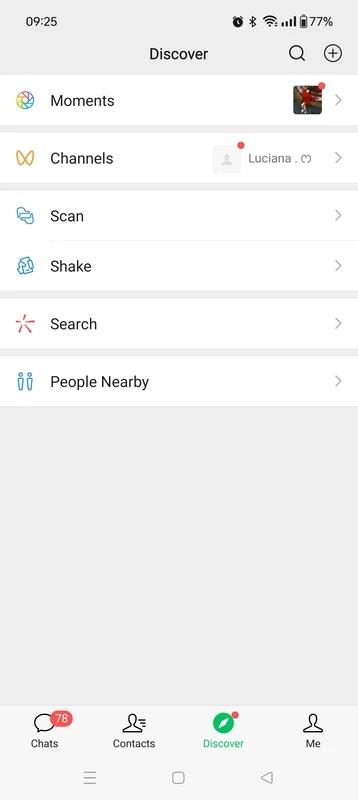
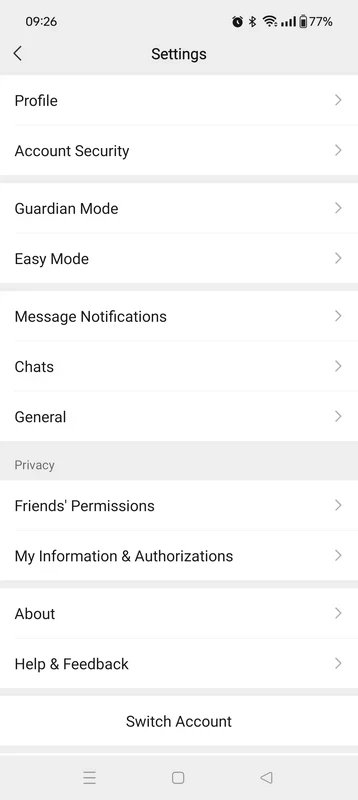
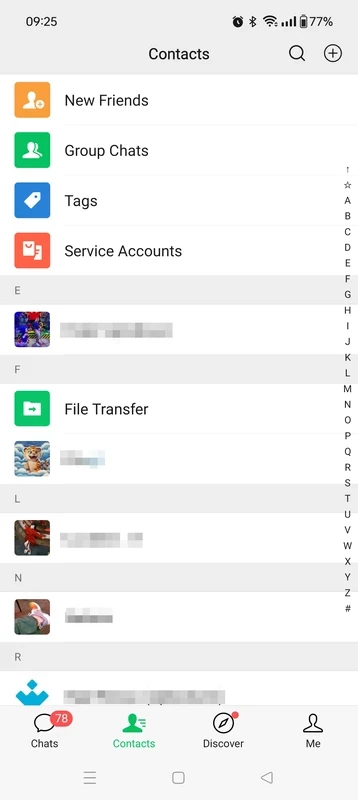
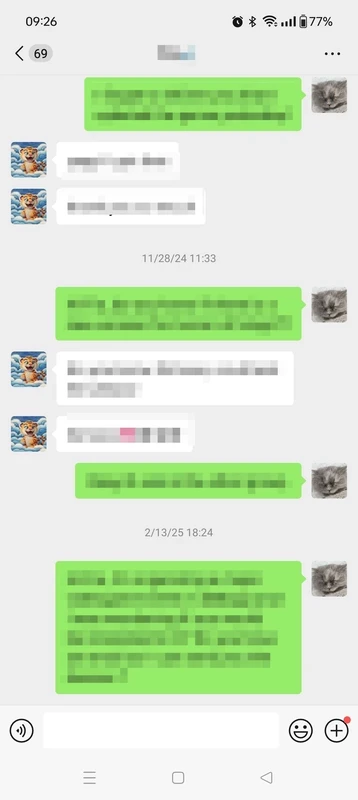
About WeChat
WeChat 8.0.78 for Android is the current version of Tencent's messaging, social media and payment app. It is free to download from Google Play; below we look at who really needs it and how to get started without trouble.
What WeChat is
WeChat launched on 21 January 2011, developed at Tencent by a team led by Zhang Xiaolong. It started as a simple messenger and became a super-app, a single app that bundles many services. You can send texts, voice messages, photos and videos, make voice and video calls, post updates for your contacts and join group chats. In China the app also handles payments, services and mini programs, so daily life there runs through it. For users elsewhere, WeChat is mainly the channel for contacts in China: relatives, classmates, business partners and suppliers often expect you to be reachable there rather than on another messenger. The app is large, reflecting everything it can do, and it is updated regularly; 8.0.78 continues the long 8.0 line. It also runs on iOS, HarmonyOS NEXT and desktop systems, so the same account works across devices.
Who it is for
- People with family or friends in China who use WeChat as their main messenger.
- Businesses and traders working with Chinese partners and suppliers.
- Students and travellers heading to China, where the app is part of everyday life.
- Anyone in a community that has settled on WeChat groups.
Who may not need it
If none of your contacts use WeChat, a messenger that your circle already uses will serve you better. People who want the most privacy-focused option may also prefer another app.
How to install and register
- Open WeChat on Google Play and tap Install.
- Open the app and sign up with your mobile number.
- Complete the verification steps the app shows.
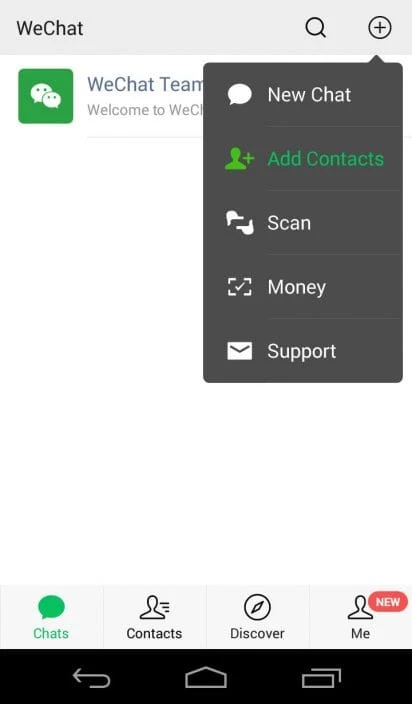
- Add contacts by phone number, WeChat ID or by scanning their QR code.
Size
The app is about 267.31 MB according to catalogue data, and chats with media grow over time, so clear storage in the settings now and then.
Privacy and safety
Install only from Google Play or the official sites wechat.com and weixin.qq.com. Set a strong password, review privacy options for who can find and add you, and be cautious with payment requests and unfamiliar links. Keep in mind that your data is handled under Tencent's policies.
Getting comfortable with the app
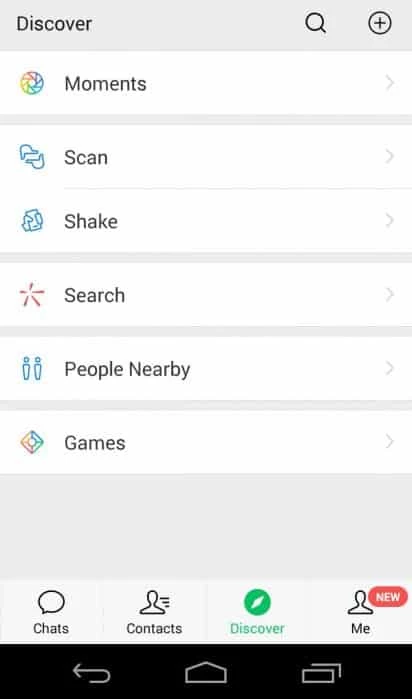
Start with chats and calls, the parts you will use every day, and explore the other sections later. Set a clear profile name and photo so contacts in China recognise you, and agree with family on one group for shared news. Save important files outside the app, since old media can be cleared when storage runs low.
Pros and cons
- Pro: messaging, calls and social feed in one app.
- Pro: essential for contacts in China.
- Pro: free.
- Con: large app.
- Con: sign-up checks can take a while.
Alternatives
Other messengers for Android in our listings: Telegram, Viber, Line and WhatsApp Messenger.