
Signal
Signal is a free, privacy-focused encrypted messaging app from the Signal Foundation. Signal Desktop 8.28.0 brings your chats to a Windows PC.
Windows
Open source

WeChat is Tencent's messaging, social media and payment app. WeChat 4.1.15.12 for Windows brings your chats to a PC.
Average 0.0 · ratings: 0
Thank you! Your rating is saved; you can change it. Could not save the rating. Please try again later. Too many ratings from your network today. Please try again tomorrow. The average appears after 5 ratings.
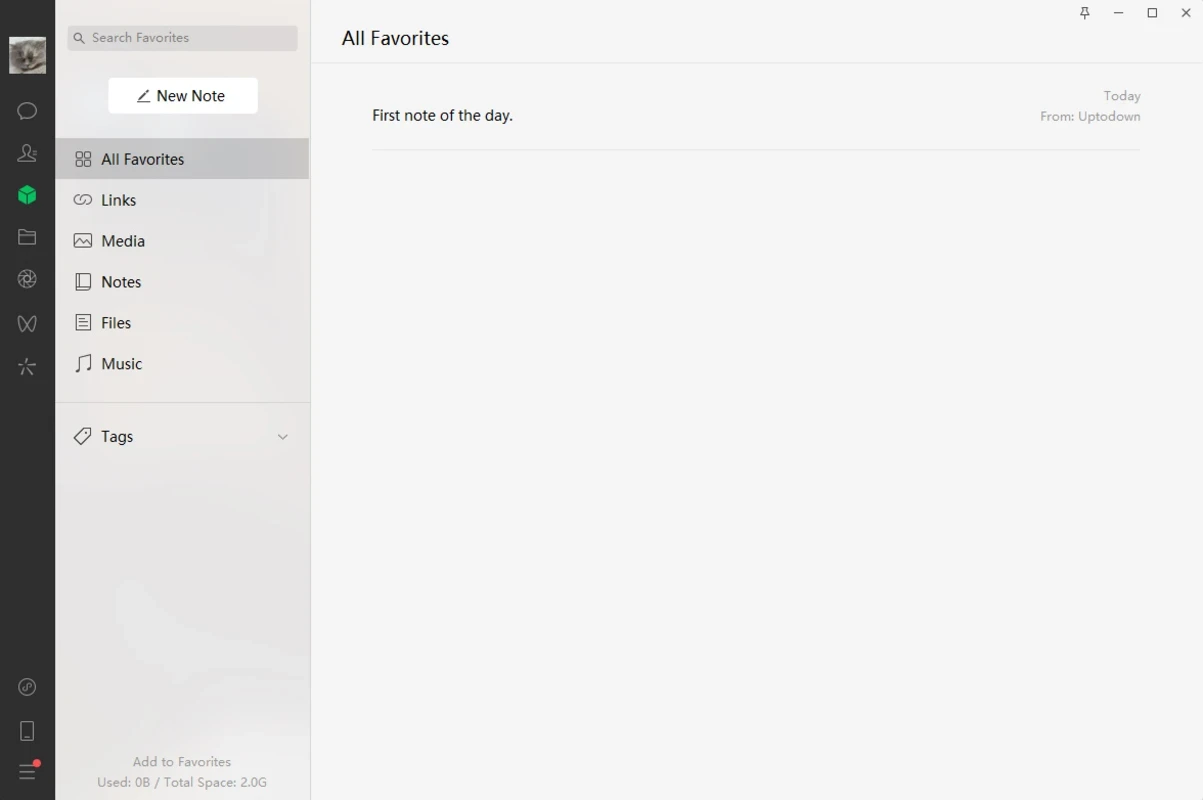
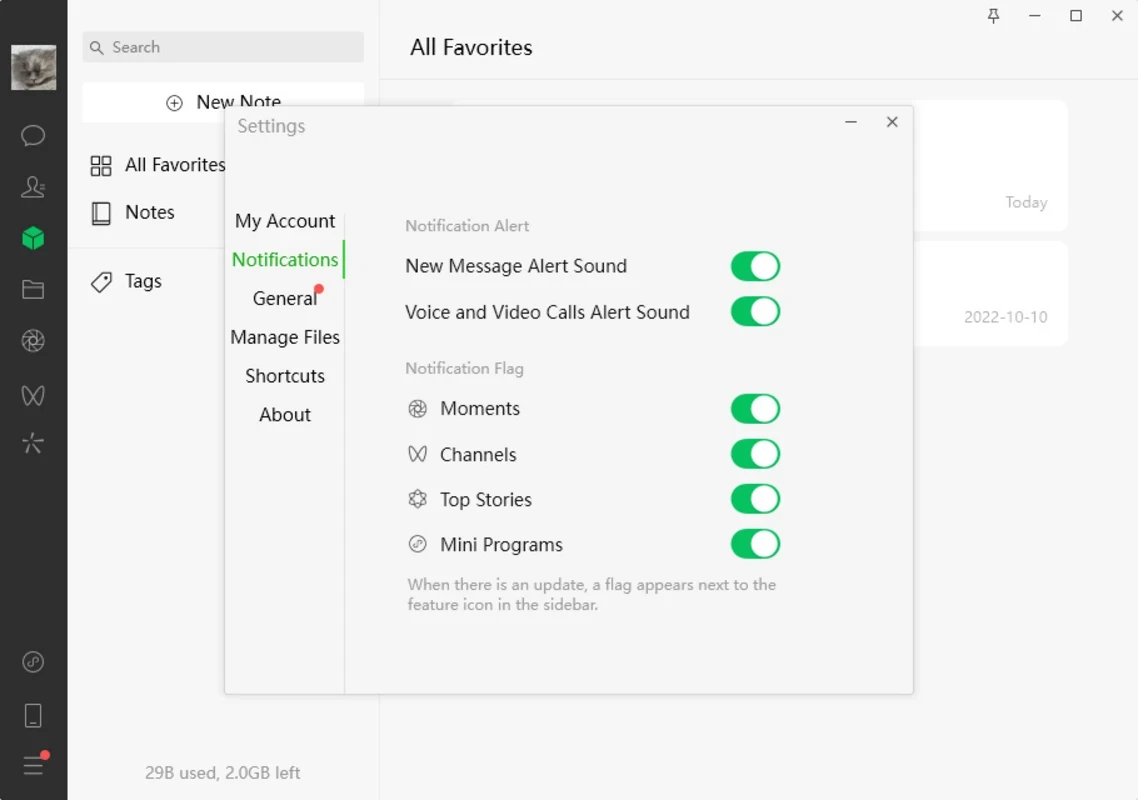
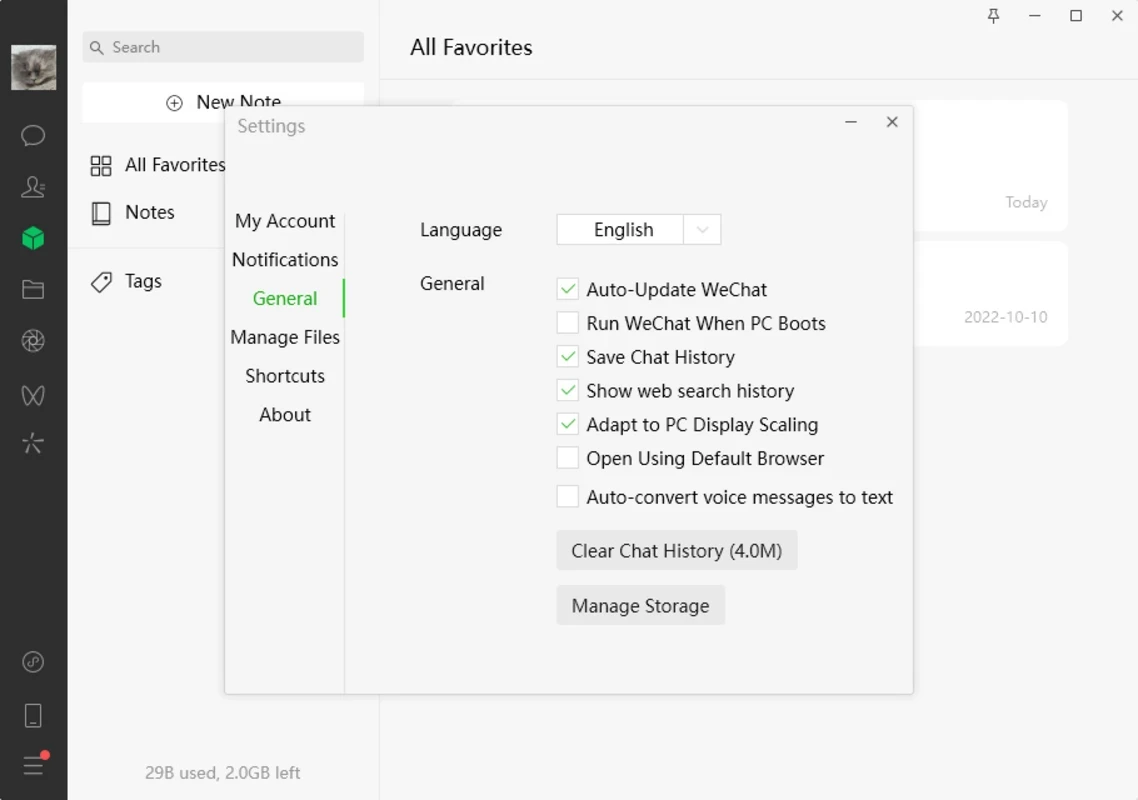
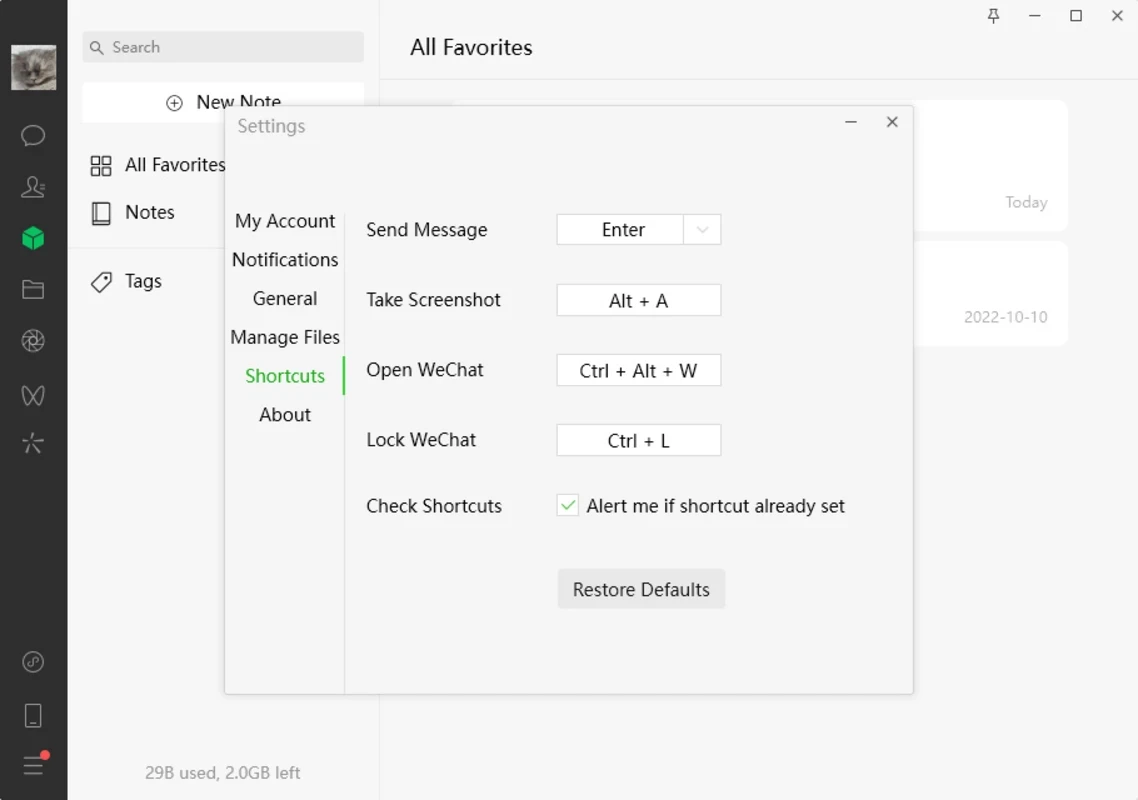
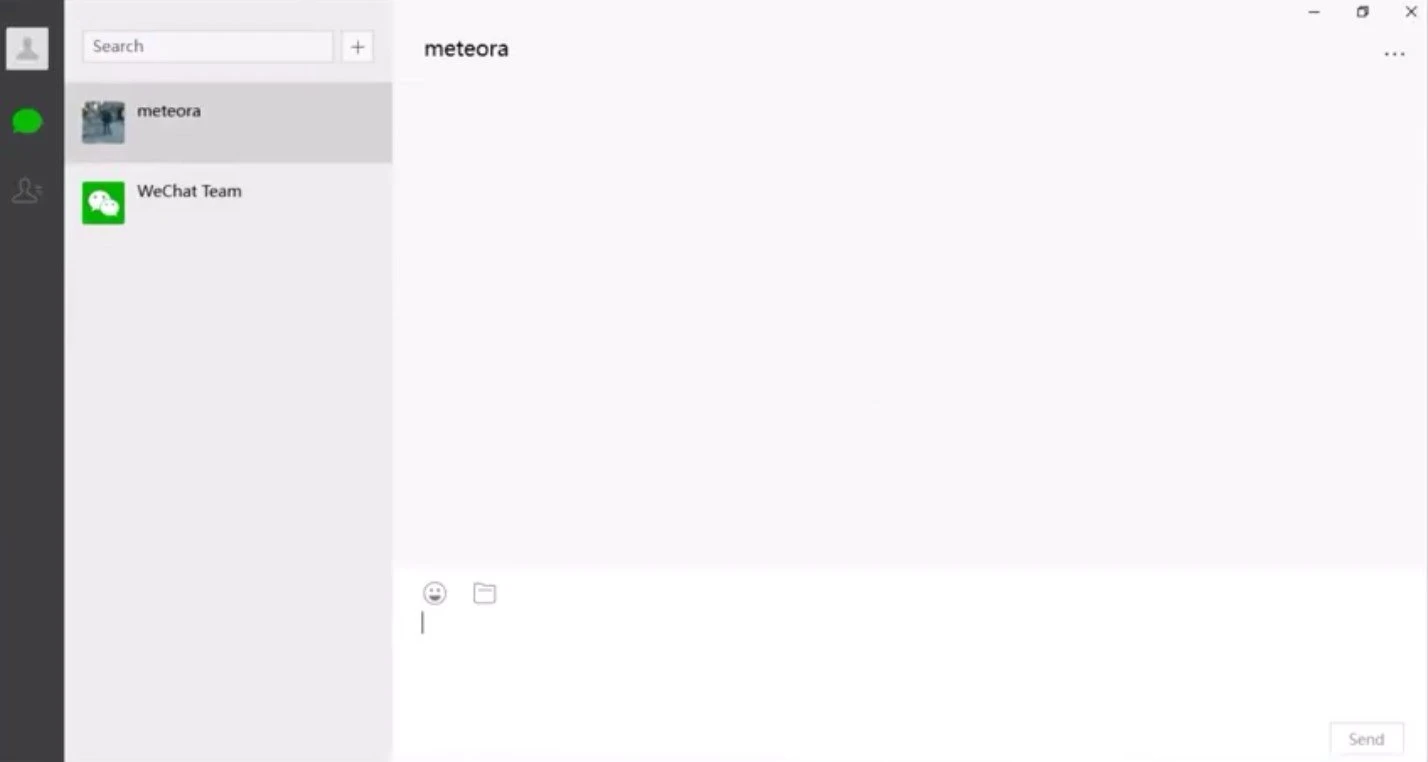
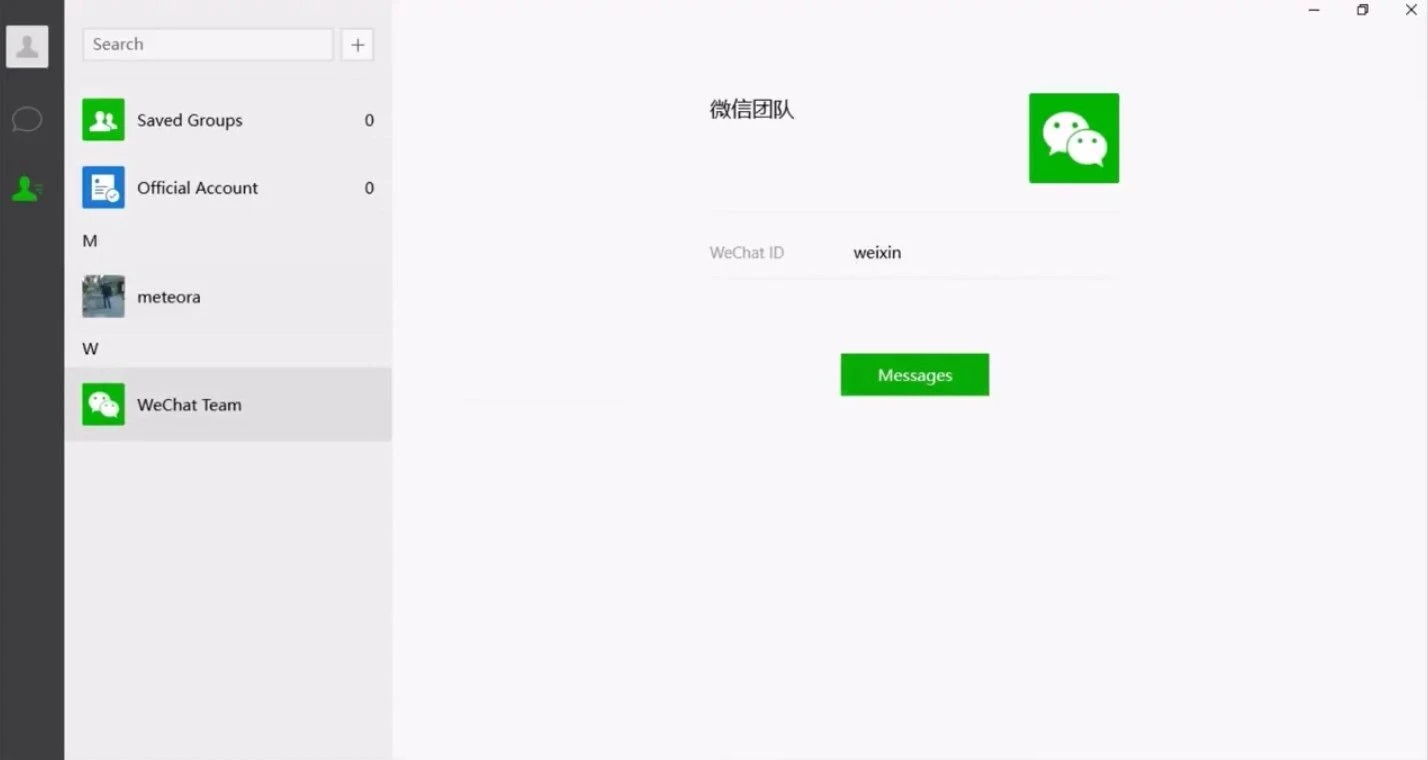
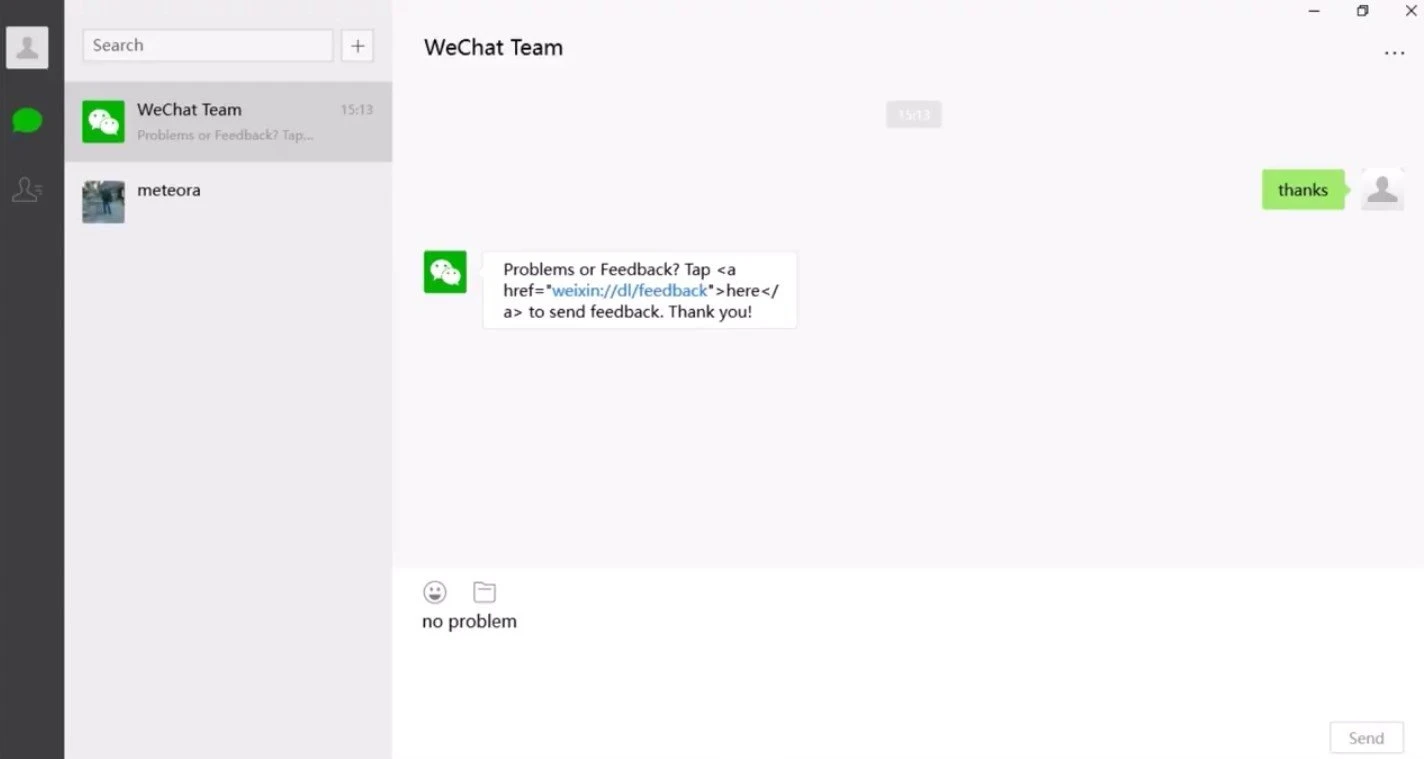
WeChat 4.1.15.12 for Windows is the desktop version of Tencent's messaging, social media and payment app. It is free to download from wechat.com and lets you chat, call and send files from your PC once you log in with the WeChat app on your phone.
| Parameter | Value |
|---|---|
| Program | WeChat for Windows |
| Version | 4.1.15.12 |
| Developer | Tencent |
| Created by | Zhang Xiaolong's team |
| Launched | 21 January 2011 |
| Licence | Free (proprietary) |
| Written in | C++ |
| Platforms | Windows, macOS, Linux, Android, iOS, HarmonyOS NEXT |
| Download size | about 244.73 MB according to catalogue data |
WeChat began as a messenger and grew into a so-called super-app. In China it is used for almost everything: chatting with friends and colleagues, sharing moments with contacts, paying in shops, booking services and running mini programs inside the app. Outside China it is mostly a way to stay in touch with people there, from family and friends to business partners and suppliers. The Windows client focuses on communication. Your chats and contacts appear on the big screen, you can type with a full keyboard, share files and screenshots from the computer, and take voice or video calls. Because the phone remains the key to the account, the desktop version is a companion rather than a standalone app, which keeps the account secure. Version 4.1.15.12 is the September 2026 build of the Windows client.
Pin the chats you use for work so they stay at the top, set a download folder for received files so they do not pile up in a hidden location, and turn on the option to lock the app when you step away. If notifications feel overwhelming, mute busy groups on the PC and keep them active only on the phone.
Tencent does not list separate requirements in our data. A current Windows PC and the WeChat app on a phone are needed to use the desktop client.
Other messengers for Windows in our listings include Telegram, Viber, WhatsApp and Signal. For the Android app, see WeChat on Google Play.
Signal is a free, privacy-focused encrypted messaging app from the Signal Foundation. Signal Desktop 8.28.0 brings your chats to a Windows PC.

WhatsApp Desktop is the official WhatsApp app for Windows, letting you chat and call from your PC with the account on your phone.

Microsoft Teams is Microsoft's collaboration and video-conferencing app for chat, meetings, calls and shared files at work, school or home.

Zoom Meeting is the desktop client of Zoom's video-conferencing service for calls, webinars, screen sharing and chat on Windows.

Camo Studio is Reincubate's desktop app that turns an iPhone, iPad or Android phone into a high-quality webcam for a Windows PC or Mac.

Google Meet is Google's video meeting app. On Windows it runs from the browser and can be installed as an app, with no separate installer to download.

Facebook for Windows is the desktop app of Meta's social network, with the news feed, groups, pages and notifications in a separate window.

Telegram Desktop is the official Windows client of the Telegram messenger, with chats, groups, channels and file sharing synced from the cloud.

Telegram Web is the browser version of the Telegram messenger: open it on a Windows PC, log in with your phone and chat without installing anything.